¶ How Automatic Updates are Deployed
The DEX Agent software supports automatic updates to allow all machines to continue running the latest version of the service. This is a backround process designed to minimize system and network load. The automatic update process works as follows:
-
When the DEX Agent service (WyebotSensorPC) starts up, it checks in with the cloud if a new version is available.
-
If a new version is found, the agent will download it in the background from our AWS cloud servers.
-
The next time the PC restarts, or the WyebotSensorPC service is restarted, the updated version is installed.
¶ Disable Automatic Updates
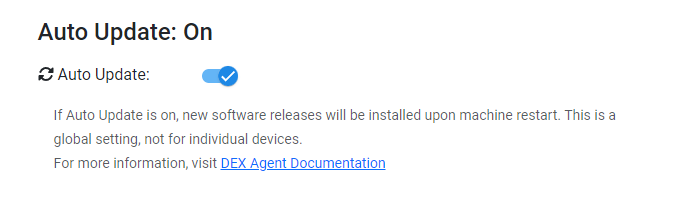
Automatic updates can be disabled from the DEX Agent dashboard.
- Navigate to the Management tab.
- Change the toggle switch for Auto Update to Off.
¶ Checking DEX Agent Version
-
Login to your DEX dashboard.
-
Select Devices on the left side navigation menu and click the device you wish to view.
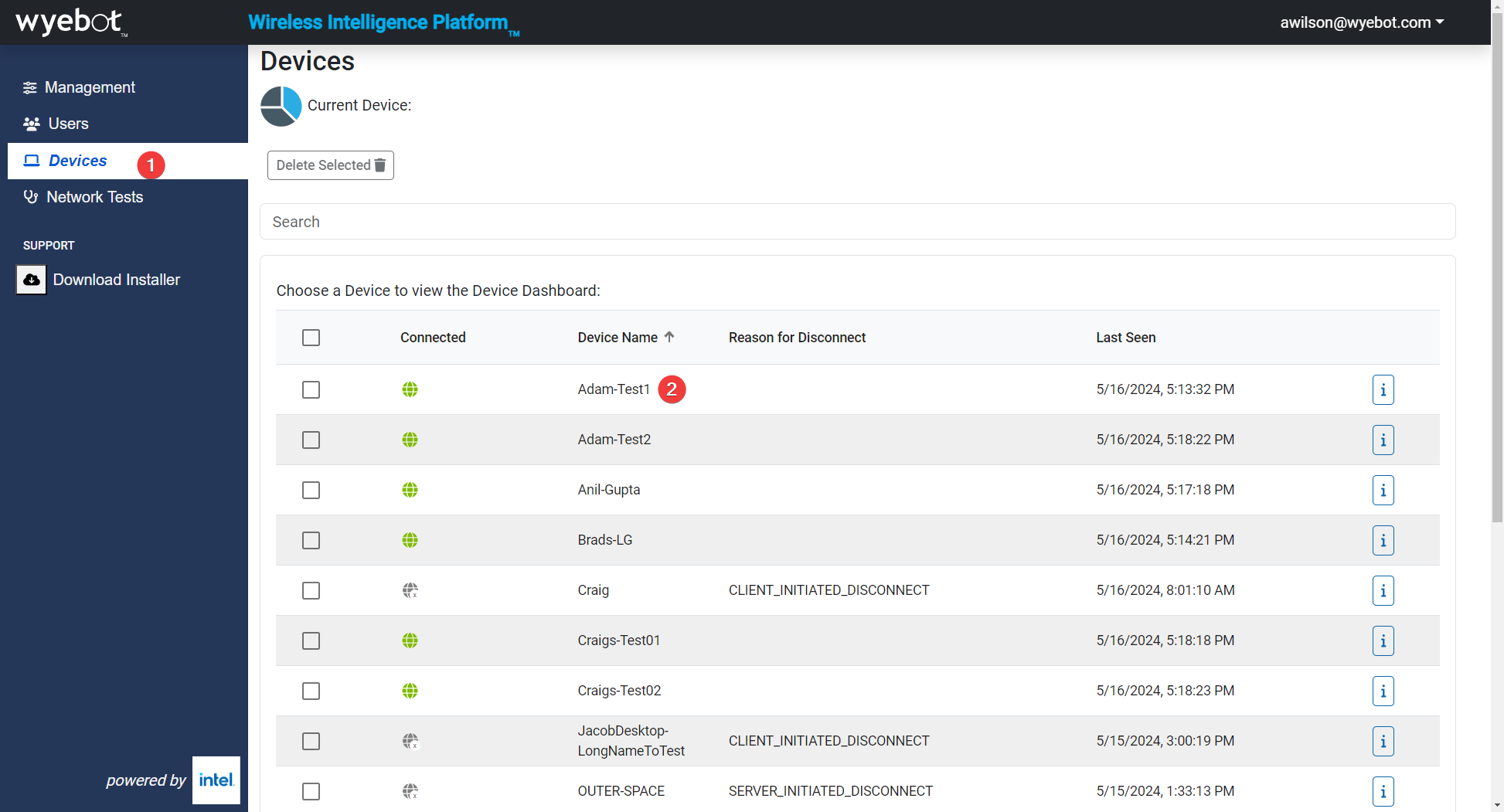
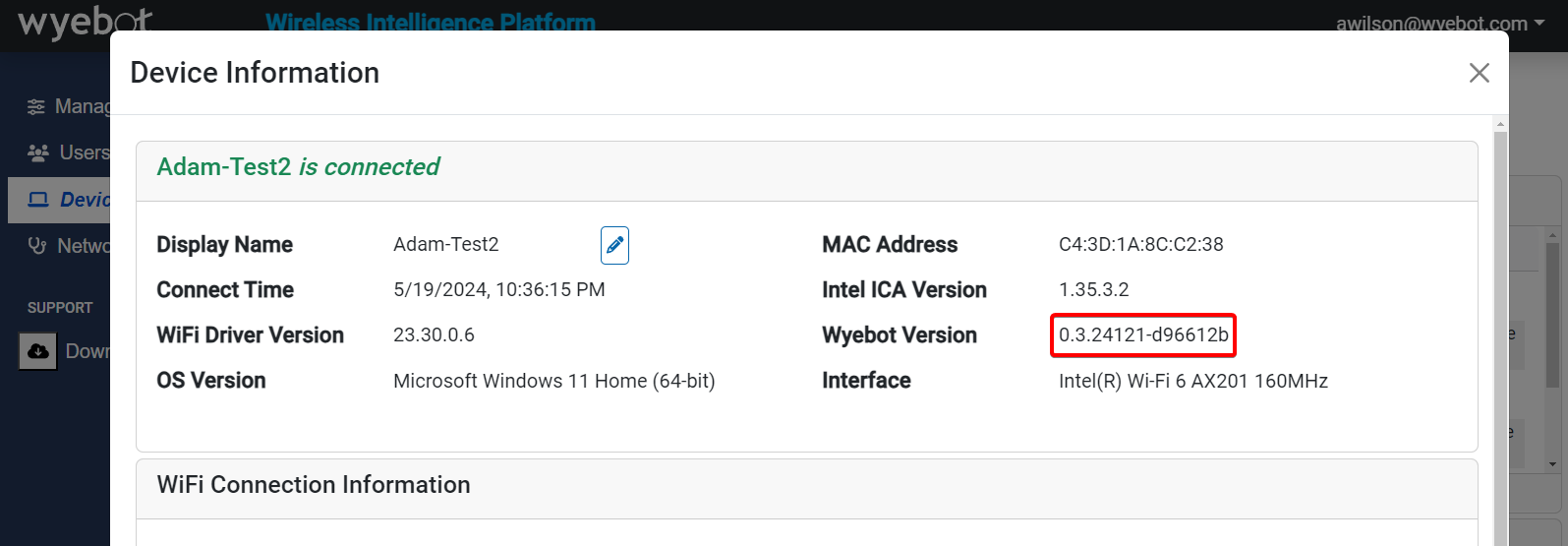
- Click on the Device Information tile.
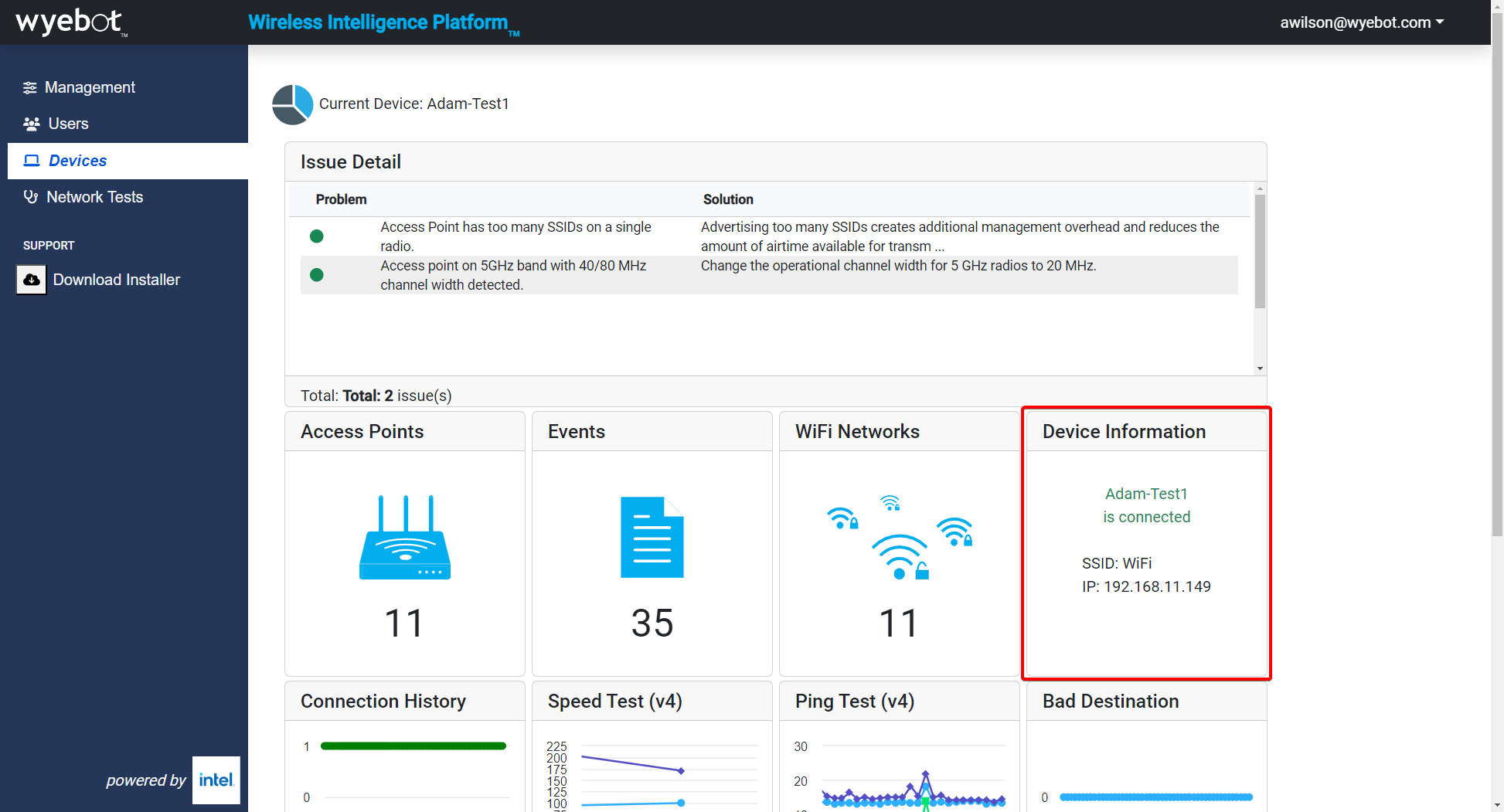
- The current version will be shown under Wyebot Version