¶ Disabling Local Wyebot Logins
After a Wyebot WIP dashboard configured to use Single Sign On via SAML, it may be a requirement to disable "local" access to the Wyebot dashboard. Local refers to users that were created on the Wyebot WIP dashboard that would login directly to cloud.wyebot.com as opposed to through your SSO IdP.
¶ Instructions
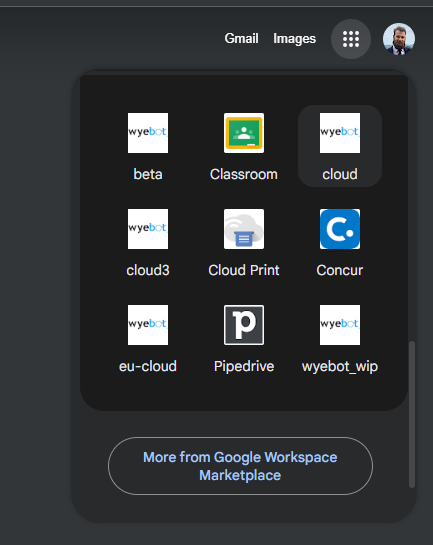
- Once you have completed the SSO setup by following our SAML the instructions with our SAML Guide, log in as a user from your IdP.
Screenshot shows Google Workspace SAML apps. Your IdP may look different.
-
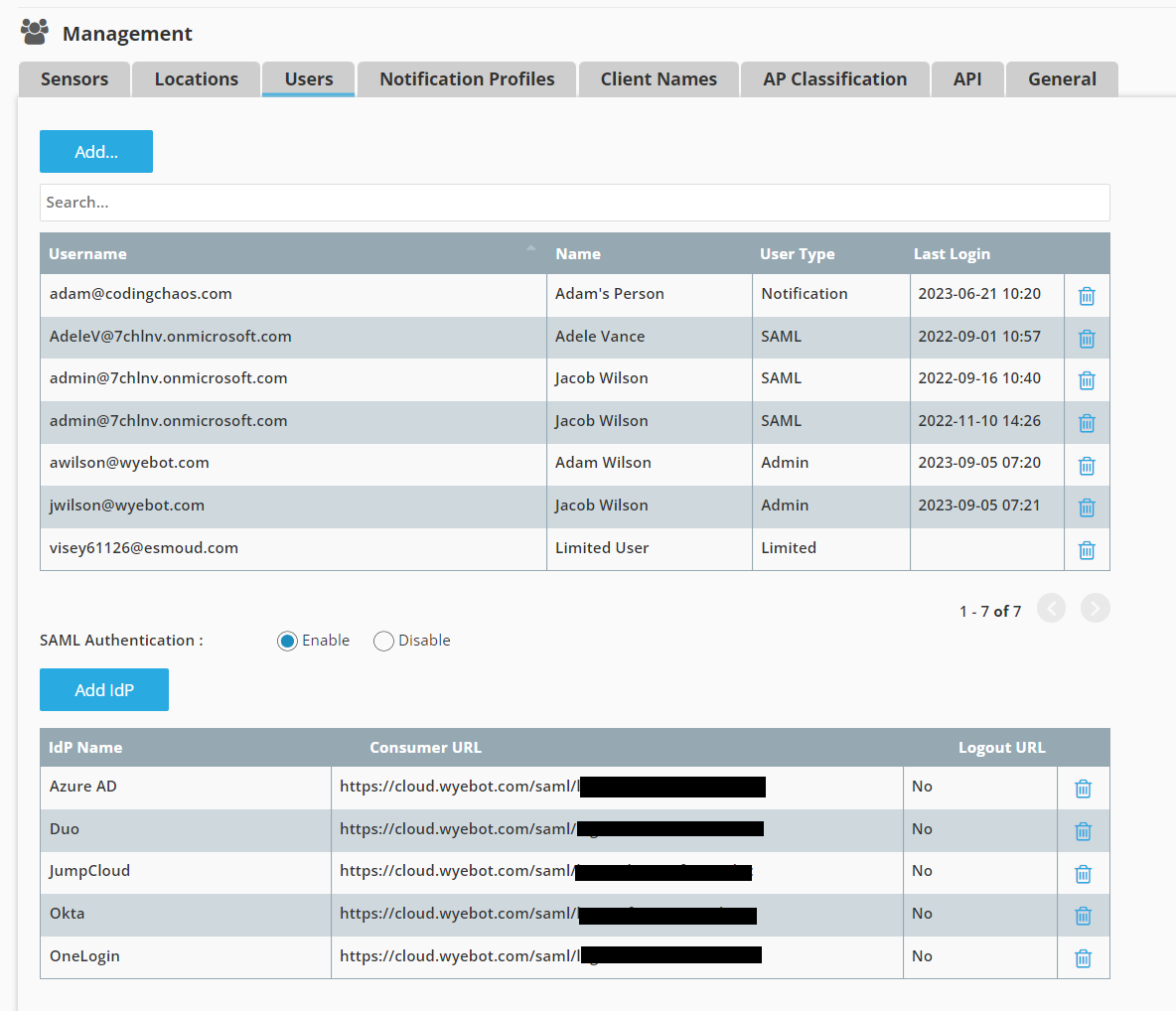
When logged in to the WIP dashboard, Navigate to Management > Users.
-
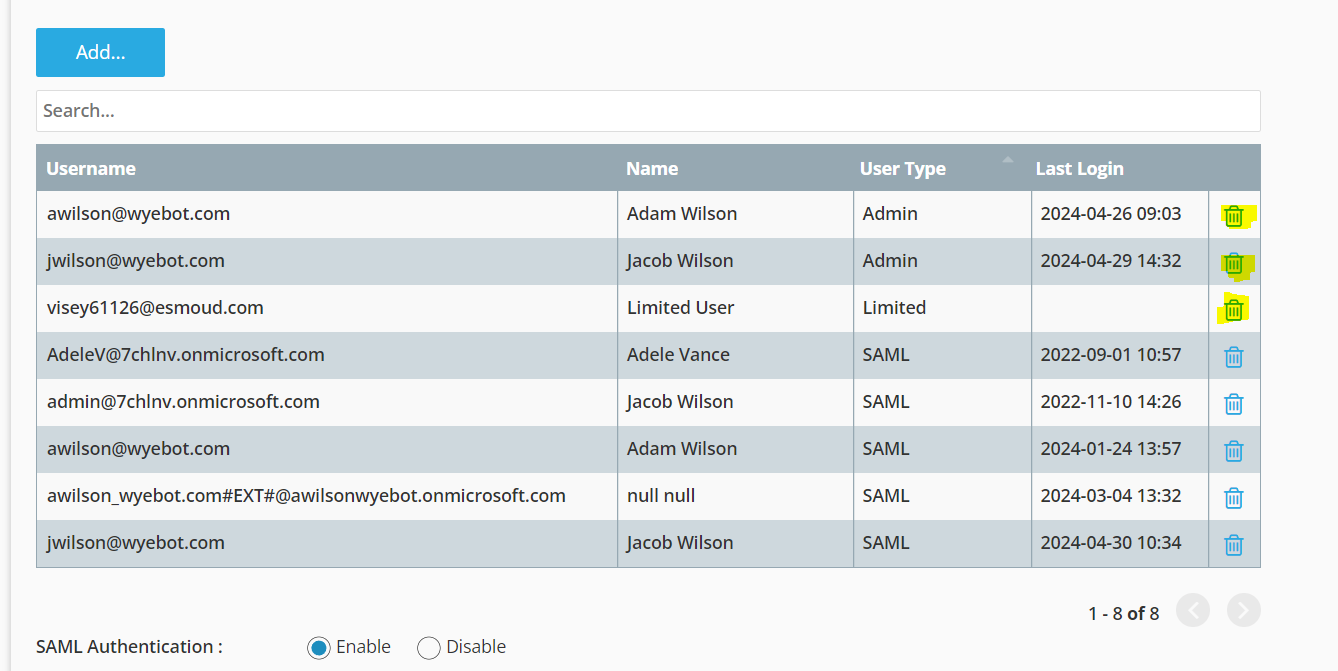
In the User Table, delete any user with the User Type as Admin or Limited by clicking the trash can icon.
Do not delete users with the SAML or Notification User Type. Notification users cannot login to the dashboard and only exist to recieve email alerts.
¶ Notes
SAML users cannot create new local users of the Admin or Limited type, therefore this method effectively disables local access. SAML users can create Notification users, but Notification users cannot access the Wyebot dashboard, they are only email targets for alerts.
If security requirements permit, it may be good to keep one "backup" local Admin user in case of a problem with SSO preventing access. Otherwise, contact support@wyebot.com if you are unable to login to the dashboard and we can help to restore access.